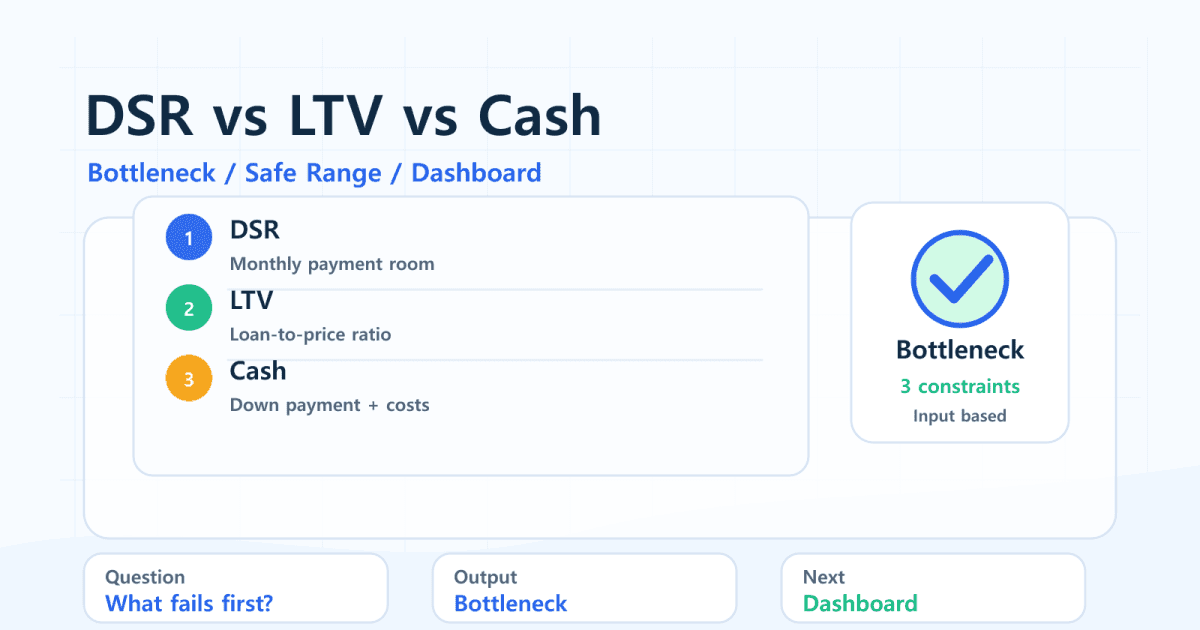
"The DSR check looks fine, so why does the apartment still fail?" This is one of the most common surprises in a Korean mortgage pre-check.
DSR is only one constraint. A target apartment also has to pass LTV, available cash, transaction costs, existing debt, and the monthly payment math. The DSR/LTV Calculator separates those checks and labels a target price as pass, near limit, or not viable under your inputs.
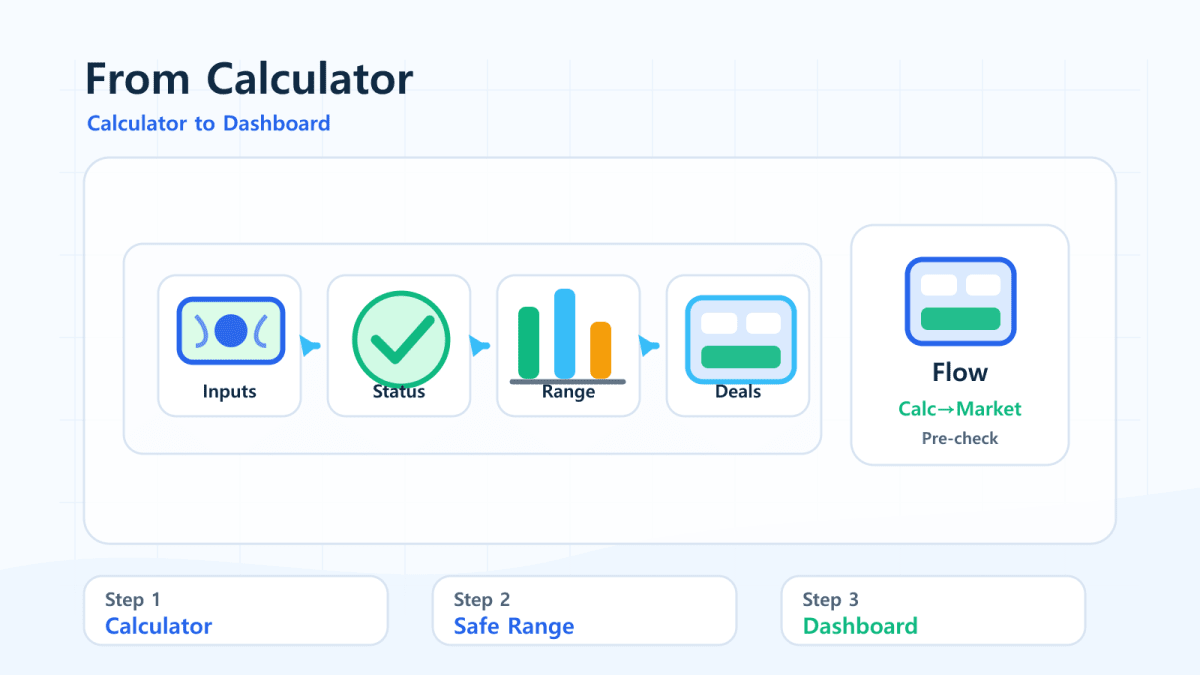
After the calculator gives you a safer search range, use the Real Estate Dashboard to compare that range with actual transaction prices in Seoul, Gyeonggi, and Incheon. This article uses simulations only. It does not apply Korean policy automatically or guarantee lender approval.
Quick Summary
- DSR bottleneck means monthly repayment capacity is the first limiting factor.
- Cash/LTV bottleneck means down payment, LTV, and transaction costs limit the price first.
- The candidate home check evaluates DSR, LTV, and cash separately.
- FinMap's calculator marks a target as pass when all checks pass, near limit when the shortfall is within 5%, and not viable when the gap is larger.
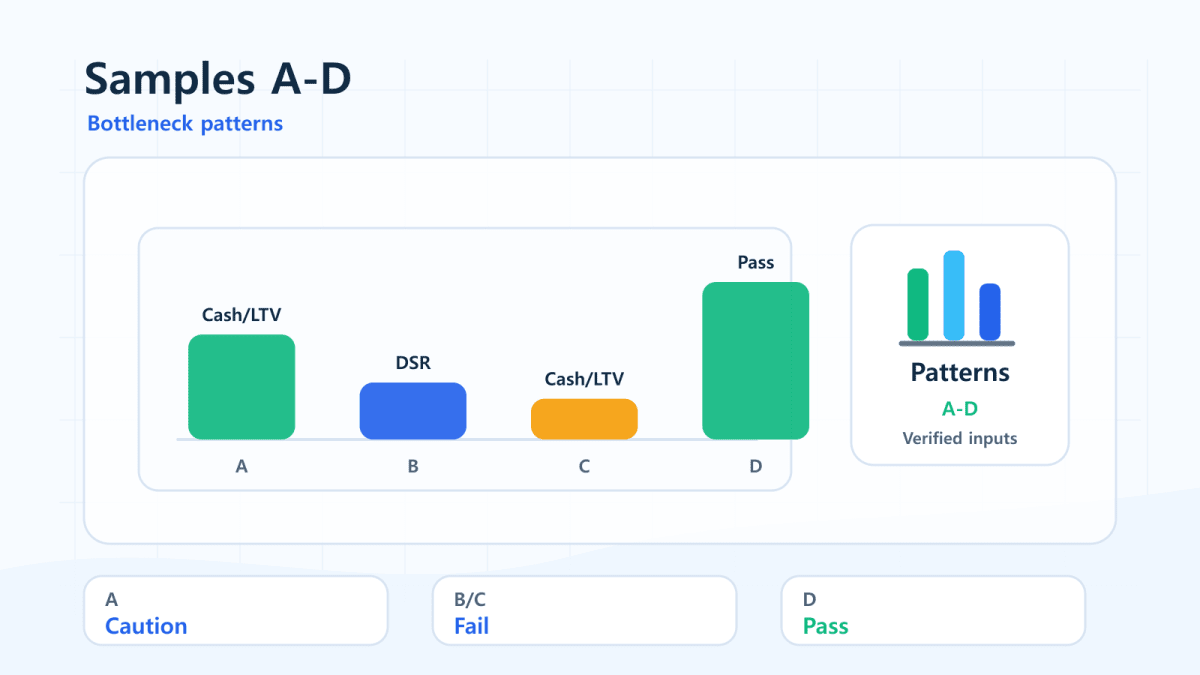
- Samples A-D in the calculator are verified KRW inputs that show different bottleneck patterns.
- The safer search range should be checked against real market transactions before making a shortlist.
DSR vs. LTV vs. Cash Bottleneck
| Bottleneck | What limits first | Common symptom | Inputs to adjust |
|---|---|---|---|
| DSR | Income-based monthly payment room | Loan capacity is below the required loan amount | Income, existing debt, rate, term, target price |
| LTV | Loan-to-home-price ratio | Required loan is above the LTV maximum | LTV input, cash, target price |
| Cash | Down payment plus transaction costs | Cash on hand is below required cash | Cash, reserve cash, cost rate, target price |
Passing one check does not automatically pass the others. That is why a buyer can have a high income but still be limited by cash, or have enough cash but still be limited by DSR.
The Three Candidate Checks
| Check | Formula concept | What it answers |
|---|---|---|
| DSR check | Required loan <= DSR-based loan capacity | Can the monthly payment fit the entered DSR limit? |
| LTV check | Required loan <= target price x LTV | Is the loan amount within the entered LTV ratio? |
| Cash check | Cash on hand >= target price x (1 - LTV + cost rate) | Can the buyer cover down payment and extra costs? |
Use the DSR/LTV Calculator when you want to see which check is failing for a specific target apartment price.

Calculator Samples A-D
These samples match the verified KRW inputs used by FinMap's calculator test script.
| Sample | Main input pattern | Final affordable price | Bottleneck | Candidate result | Failed checks |
|---|---|---|---|---|---|
| A Basic | Income KRW 60M, cash KRW 200M, rate 4%, LTV 70%, target KRW 600M | KRW 571.43M | Cash/LTV | Near limit | DSR, LTV, cash |
| B Debt/DSR | Income KRW 50M, cash KRW 300M, existing debt KRW 0.5M/month, rate 5%, target KRW 600M | KRW 310.47M | DSR | Not viable | DSR |
| C Cash/LTV | Income KRW 120M, cash KRW 100M, LTV 60%, target KRW 250M | KRW 222.22M | Cash/LTV | Not viable | LTV, cash |
| D Pass case | Income KRW 80M, cash KRW 300M, existing debt KRW 0.2M/month, rate 3.5%, target KRW 700M | KRW 857.14M | Cash/LTV | Pass | None |
Sample A is useful because it is close to the boundary. The final affordable price is below the KRW 600M target, but not by a huge margin. That is the type of case where changing target price, reserve cash, LTV input, or existing debt can materially change the result.
Example: Why a KRW 600M Target Can Fail
Assume KRW 60M annual income, KRW 200M cash, DSR 40%, LTV 70%, 4.0% rate, 30-year equal-payment loan, and 5% extra costs.
| Item | Result |
|---|---|
| DSR-based loan capacity | KRW 418.92M |
| Required loan for KRW 600M target | KRW 430.00M |
| Max loan by LTV | KRW 420.00M |
| Required cash | KRW 210.00M |
| Cash on hand | KRW 200.00M |
| Candidate result | Near limit, not clean pass |
The target misses DSR by about KRW 11.08M, LTV by KRW 10.00M, and cash by KRW 10.00M. It is close, but the input checks do not all pass.
Easy Mistake
"DSR passed, so the apartment must be affordable."
DSR is about monthly repayment capacity. It does not replace the LTV check, cash check, lender underwriting, property valuation, taxes, maintenance fees, or emergency liquidity planning.
Practical Checklist
- Start with conservative DSR and LTV values you want to test manually.
- Enter existing monthly debt instead of ignoring it.
- Enter reserve cash so the purchase does not consume all liquidity.
- Use candidate home price to check DSR, LTV, and cash separately.
- If the result is near limit, lower the target price before stretching other assumptions.
- Compare the safer search range in the Real Estate Dashboard before building a shortlist.
How to Use the Dashboard After the Calculator
The calculator's safer search range is 80-90% of the calculated maximum purchase price. Open the Real Estate Dashboard, choose the region you care about, and compare recent transactions with that range.
If the dashboard shows most transactions above your range, the issue may not be the calculator. The market shortlist may need a smaller area, different location, older complex, or lower target price.
Related Reading
- DSR 40% loan capacity by income
- Cash KRW 100M, 200M, 300M apartment budget
- Mortgage risk checklist before buying
FAQ
Can a buyer pass DSR but fail LTV?
Yes. DSR checks monthly repayment capacity, while LTV limits the loan amount as a percentage of the home price. A target can pass one and fail the other.
What does "near limit" mean in the FinMap calculator?
It means at least one check fails, but the largest shortfall is within 5% of the relevant required amount. It is not an approval signal; it simply means the case is close enough to inspect carefully.
Does the calculator use official Korean mortgage policy automatically?
No. It uses user-entered DSR and LTV values. The result is an equal-payment simulation and can differ from actual lender review.
Why include transaction costs?
Because the buyer usually needs more cash than the down payment alone. Taxes, brokerage, moving costs, and other expenses can reduce the affordable price range.
What should I do after getting a safer search range?
Use the Real Estate Dashboard to compare the range with actual transaction prices and transaction volume in Seoul, Gyeonggi, and Incheon.
Bottom Line
Use the DSR/LTV Calculator to find the bottleneck first, then use the Real Estate Dashboard to see whether real transactions exist inside the safer search range. A good pre-check is not just "Do I pass DSR?", but "Which constraint breaks first?"