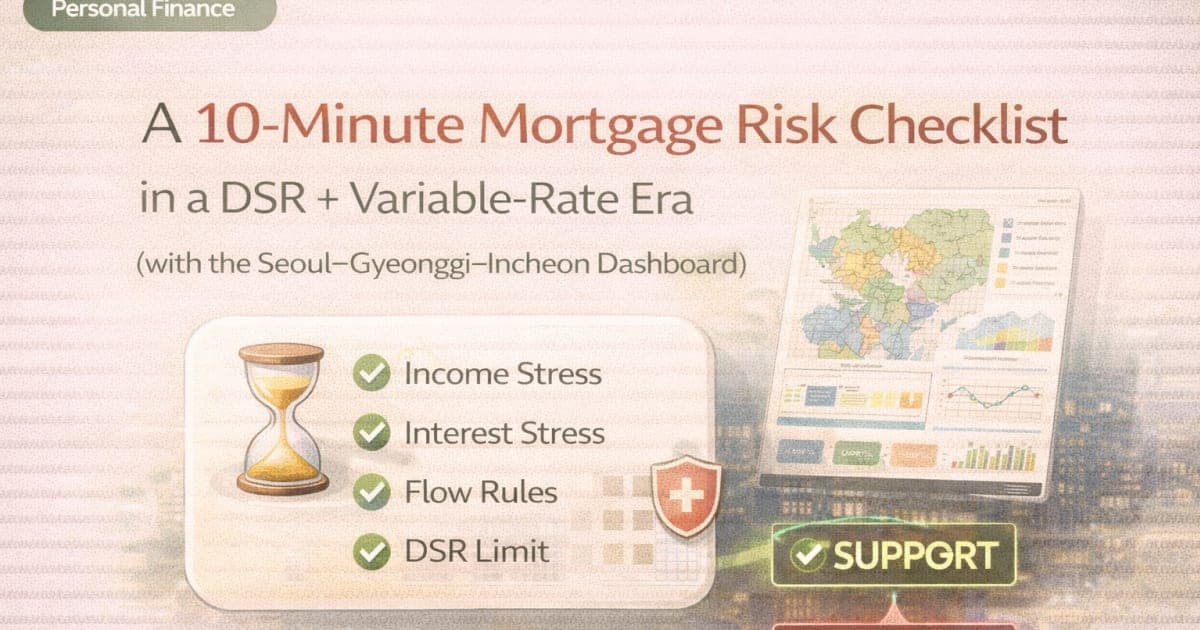
A mortgage capacity number is not the same as a household-safe budget. A Korean apartment purchase changes monthly payments, maintenance costs, taxes, moving costs, and the cash buffer all at once.
This checklist helps you review DSR, LTV, rates, existing debt, and emergency cash before making a purchase decision. Start by entering your assumptions in the DSR/LTV Calculator and reading the target-home decision.
Then compare the safer search range with real transaction prices in the Real Estate Dashboard. This is a pre-check workflow, not a loan recommendation or lender approval.
Quick Summary
- Loan capacity and household affordability are different.
- DSR checks repayment capacity, LTV checks loan size versus the property value, and cash checks equity plus transaction costs.
- +1pp and +2pp rate scenarios can change both monthly payments and target-home feasibility.
- Passing a DSR check does not mean you can ignore living costs, maintenance fees, taxes, moving costs, and emergency cash.
- After the calculator, use the Real Estate Dashboard to see whether actual KRW transactions exist in your safer range.
- For rate sensitivity, also read How Much Can a 1pp Rate Increase Reduce Korean Mortgage Capacity?.
The 10-Minute Mortgage Risk Checklist
| Check | Question | Example pass signal |
|---|---|---|
| DSR | Does income support the monthly debt payments? | DSR check passes in the calculator |
| LTV | Is the required loan within the LTV limit? | LTV check passes |
| Cash | Can you cover equity and closing costs? | Cash check passes |
| Rate | Can you handle +1pp and +2pp scenarios? | Safer range remains realistic |
| Buffer | Is emergency cash left after purchase? | 6-12 months of core costs, or your own stricter rule |
| Market | Does the price range actually trade? | Dashboard shows real volume and distribution |
The FinMap calculator uses equal monthly principal-and-interest repayment. It does not model interest-only, bullet, grace-period, or mixed repayment structures.
Loan Capacity vs. Household Affordability
| Area | Loan-capacity view | Household-affordability view |
|---|---|---|
| DSR | Can the payment fit the entered DSR? | Is there enough room after living costs? |
| LTV | Is the loan ratio acceptable? | Is there room for valuation differences or price risk? |
| Cash | Can closing and equity needs be paid? | Is emergency cash still available? |
| Rate | Does the base-rate case work? | Do +1pp and +2pp cases still work? |
A case can pass a calculator check and still be uncomfortable for a household. Use the 80-90% safer search range before getting attached to a target apartment.
Example: KRW 600M Target Home and KRW 200M Cash
| Item | Input or result |
|---|---|
| Annual income | KRW 60M |
| Cash on hand | KRW 200M |
| Existing debt | KRW 0 |
| Rate / term | 4.0% / 30 years |
| DSR / LTV / closing cost | 40% / 70% / 5% |
| Target home price | KRW 600M |
| Required target loan | KRW 430M |
| LTV max loan | KRW 420M |
| Required cash | KRW 210M |
| Decision | Caution |
This is close but not clean. It is short on DSR, LTV, and cash by small amounts. In FinMap, “Caution” means a maximum shortfall within 5% under the entered assumptions. It is not a lender signal.
Rate Stress Scenarios
| Scenario | What to check | Why it matters |
|---|---|---|
| Base rate | Monthly payment and safer range | Starting point |
| Rate +1pp | Loan-capacity drop and target decision | First stress test |
| Rate +2pp | Household cash-flow survival | Conservative buffer check |
The DSR/LTV Calculator also shows sensitivity to DSR, existing monthly debt, and LTV. After that, the Real Estate Dashboard helps you see whether the range is realistic in Seoul, Gyeonggi, or Incheon.
Misunderstanding Box: Passing DSR Does Not Mean the Mortgage Is Safe
Misunderstanding: “If I pass DSR, the mortgage is safe.”
DSR is important, but it does not pay maintenance fees, taxes, moving costs, repairs, childcare, or emergency expenses. A household-safe budget should leave cash after the mortgage is approved.
If the calculator says Possible, still review the safer search range and rate sensitivity before deciding.
Action Routine
- Enter income, cash, existing monthly debt, rate, DSR, LTV, closing cost, and target home price in the DSR/LTV Calculator.
- Read the final affordable price and safer search range.
- Check whether DSR, LTV, or cash is the bottleneck.
- Review rate +1pp and +2pp scenarios.
- Open the Real Estate Dashboard and compare real transaction prices in that range.
Related Reading
- How Much Can a 1pp Rate Increase Reduce Korean Mortgage Capacity?
- How to Use the Apartment Dashboard for a Home-Buying Goal
- Why Passing DSR May Still Not Be Enough
Bottom Line
Before buying a Korean apartment, ask where the plan breaks: DSR, LTV, cash, rate shock, or emergency buffer. That is more useful than asking for the largest possible loan.
Run the DSR/LTV Calculator, then check your safer range in the Real Estate Dashboard. Calculation plus transaction context is a much stronger pre-check than either one alone.
FAQ
If the calculator says Possible, does that mean lender approval is likely?
No. It is an input-based simulation. Actual lender review can differ by credit profile, income recognition, collateral valuation, regulation, and guarantee conditions.
Does the calculator automatically apply Korean DSR or LTV policy?
No. You enter the DSR and LTV assumptions yourself.
Why keep emergency cash separate?
DSR does not account for maintenance fees, taxes, repairs, moving costs, income shocks, or household emergencies.
How much rate stress should I test?
At minimum, review +1pp. For a more conservative check, review +2pp and see whether the safer range still makes sense.
When should I use the dashboard?
Right after the calculator gives a safer search range. The dashboard helps confirm whether real transactions exist in that KRW range.